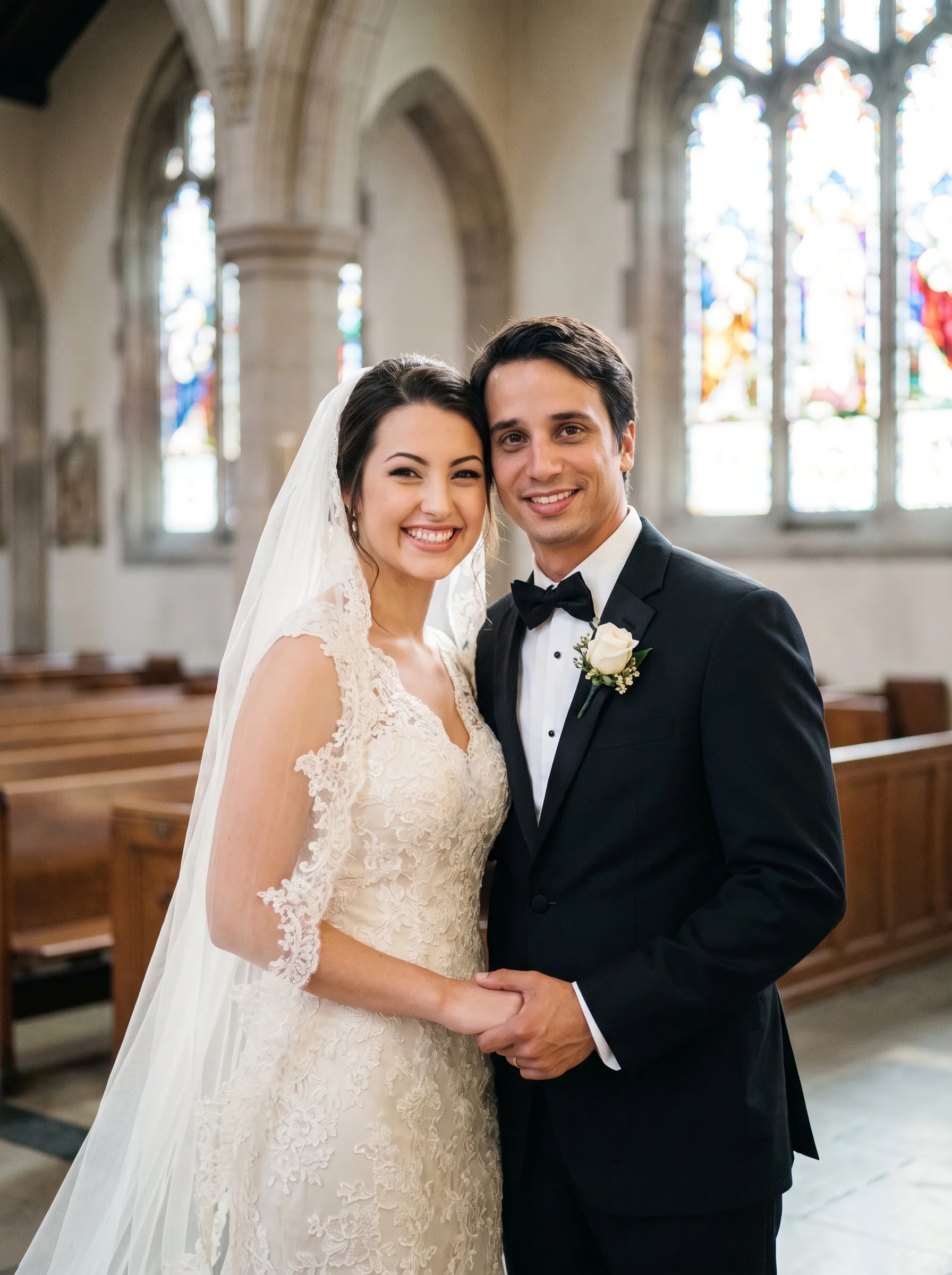
 Classic ChurchCreate similar
AI WEDDING PHOTO GENERATOR FOR YOUR STORY
AI Wedding Photo Generator
Turn one clear selfie of each partner into AI-generated wedding portraits for save-the-dates, wedding websites, announcements, and social posts. Sign in for 2 free watermarked previews with no card, then choose a one-time package if the style fits.
Create your free preview2 free watermarked previews. Sign in required. No card required.
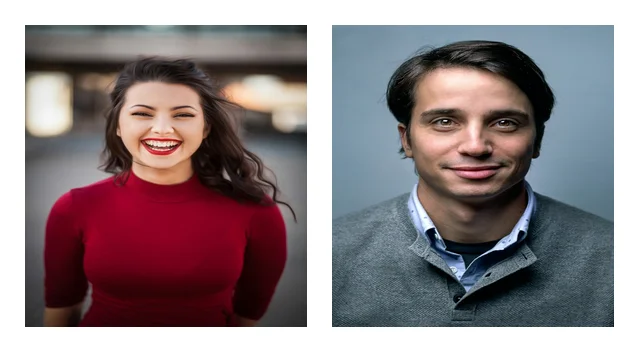 Your photos
How the AI wedding photo generator works
- 01
Upload two clear selfies
Upload one sharp, front-facing photo of each partner. JPG, PNG, or WebP files up to 10 MB each work best.
- 02
Choose a wedding style
Pick from 12 wedding styles, including Classic Studio, Romantic Garden, Cinematic Film, Destination Travel, and Cultural Celebration.
- 03
Preview, then choose your package
Review the watermarked previews, select a photo or photo + video package, and download the portraits you love.
Create faster with real examples
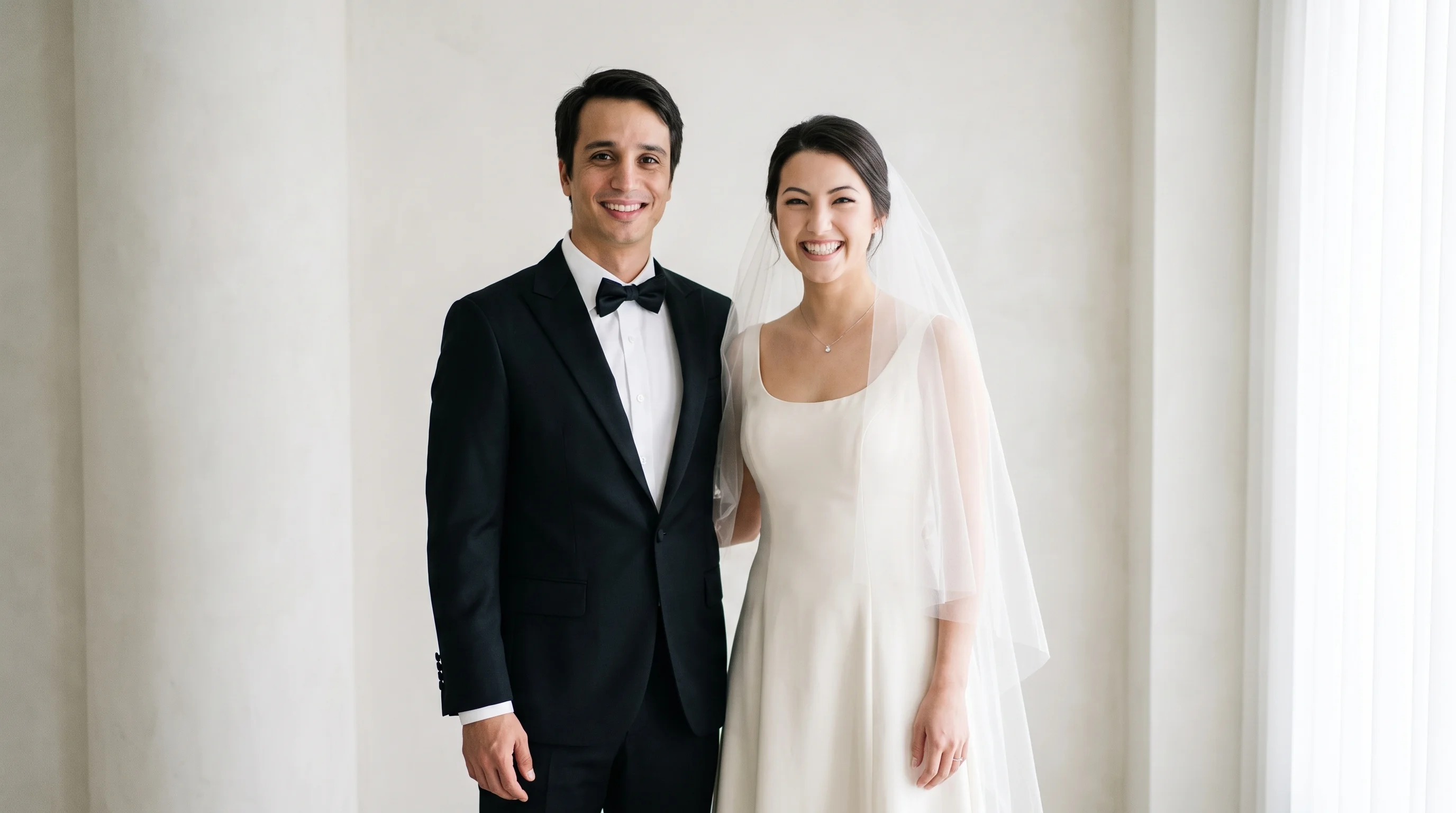
Picture your ceremony look
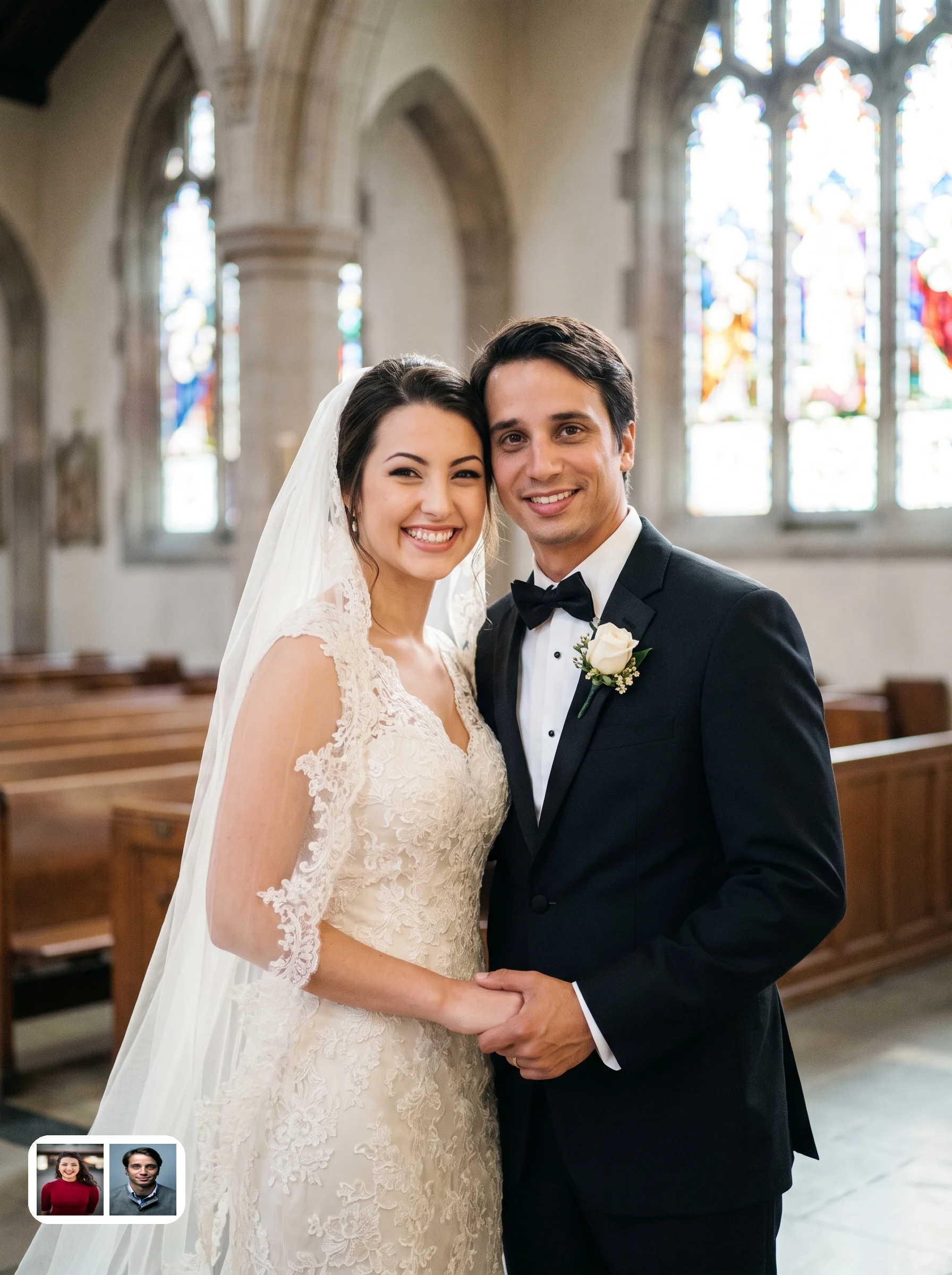
Preview veil, gown, and soft chapel light before the big day without booking a studio.
Start now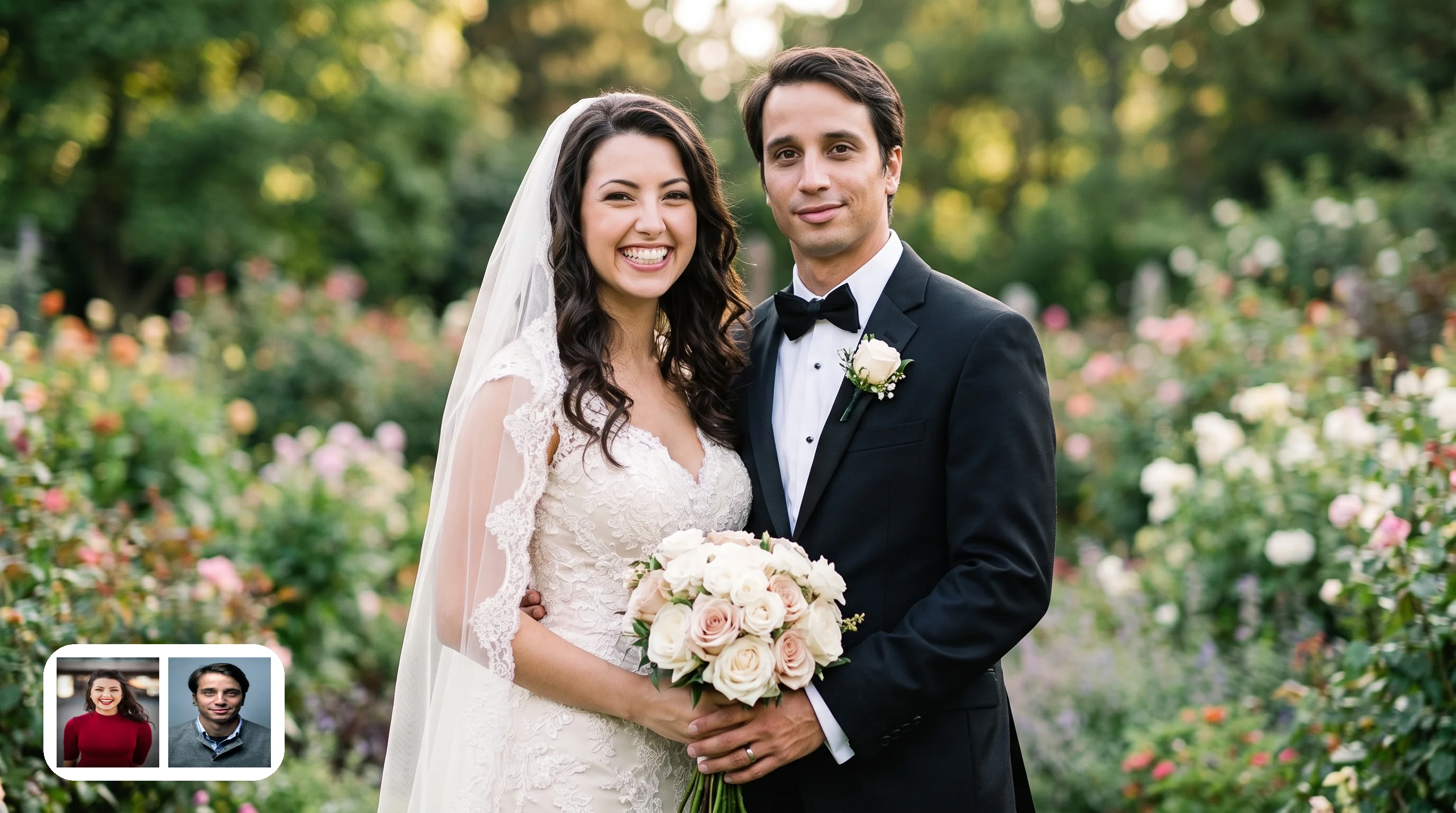
Content without a full shoot
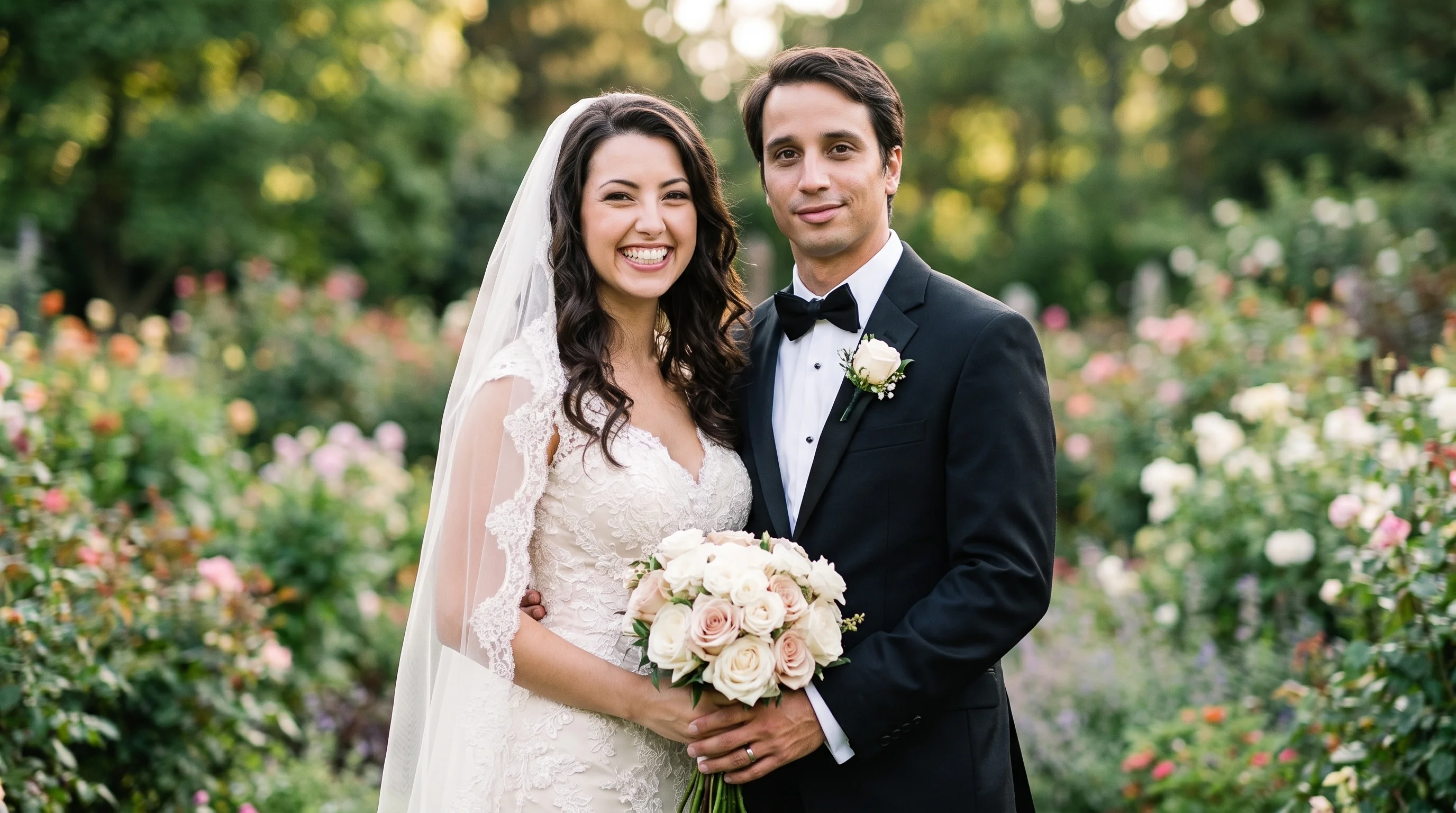
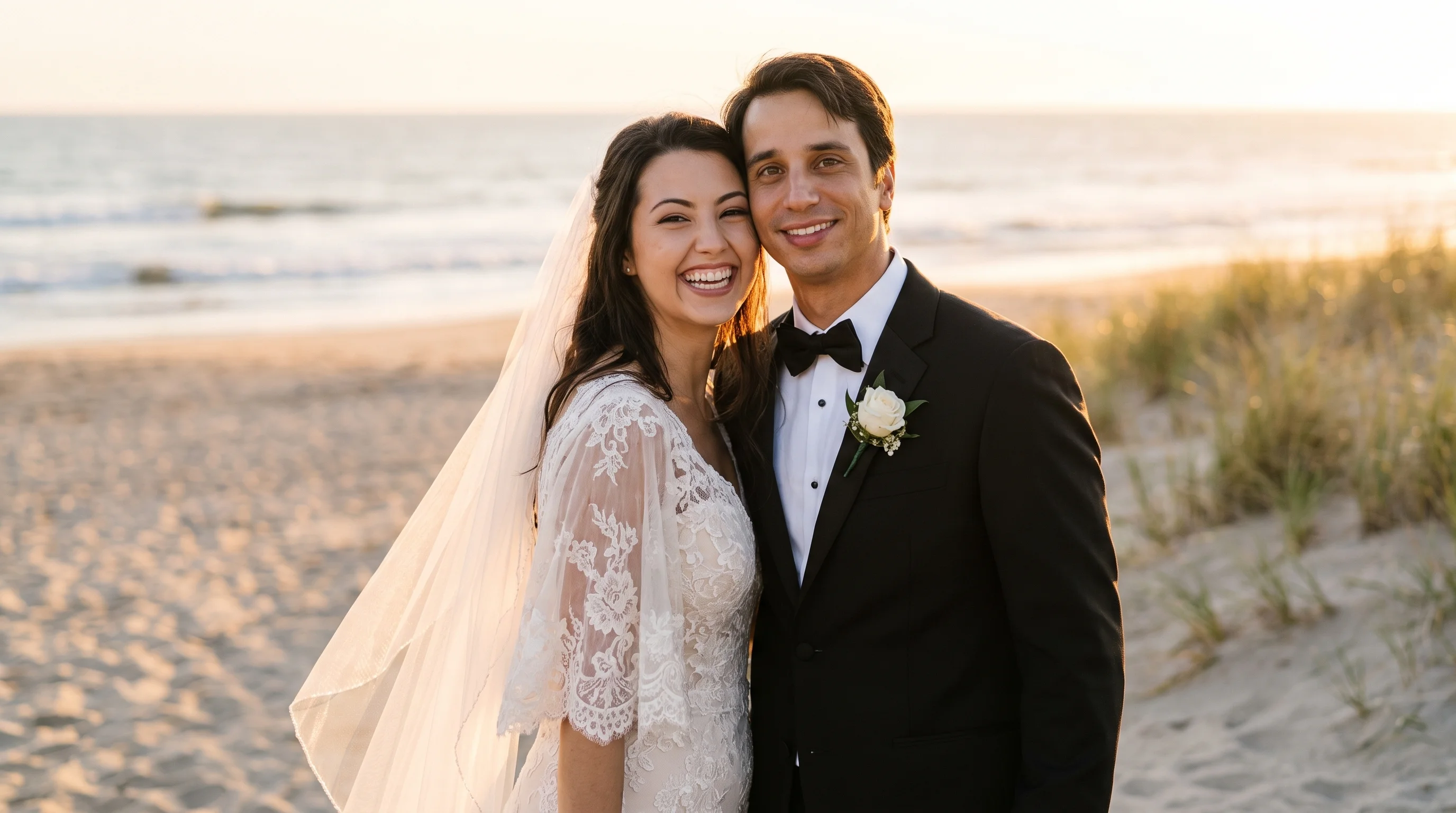
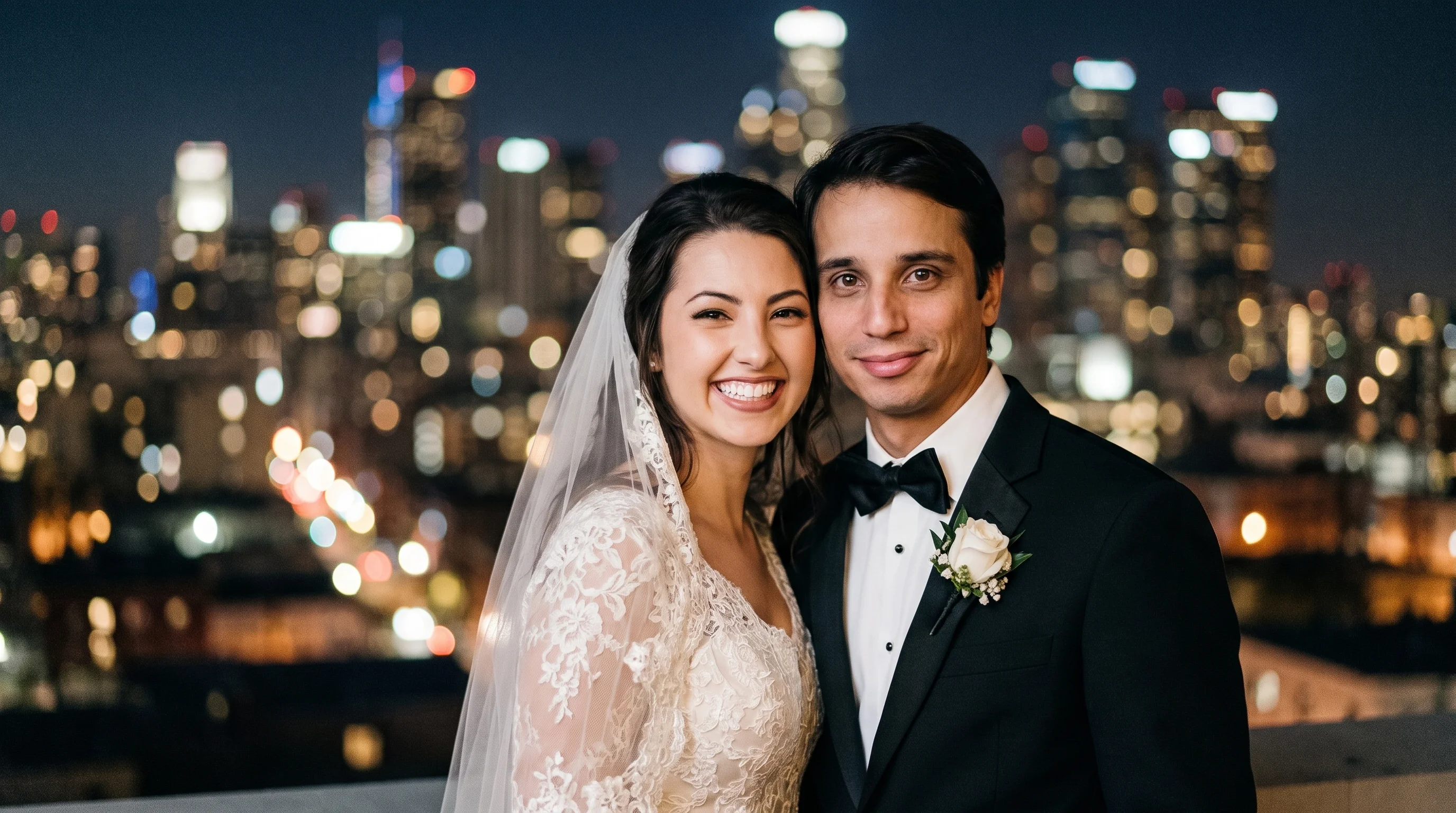
Create garden, beach, or city portraits for save-the-dates, your wedding site, and social posts.
Start now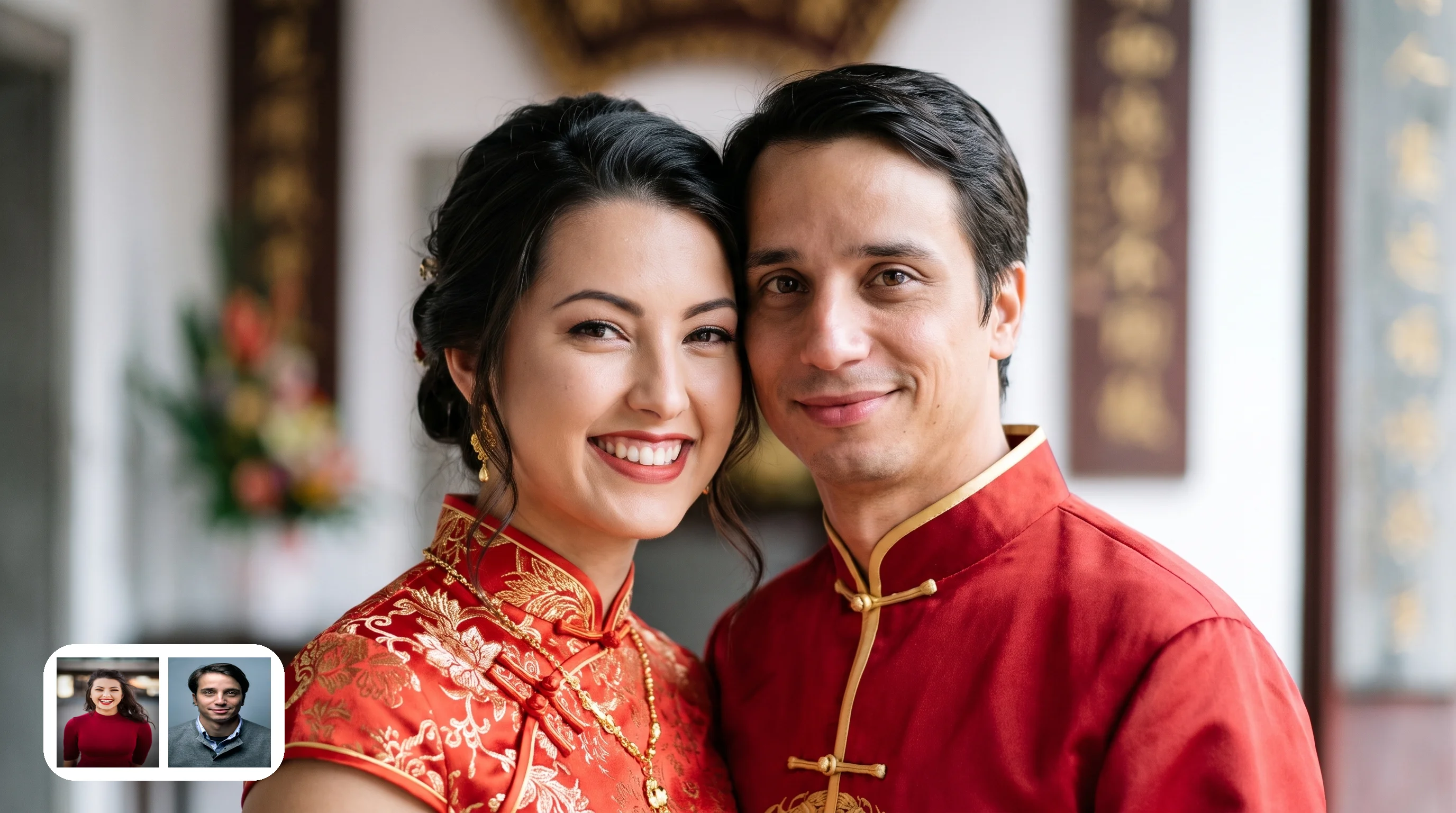
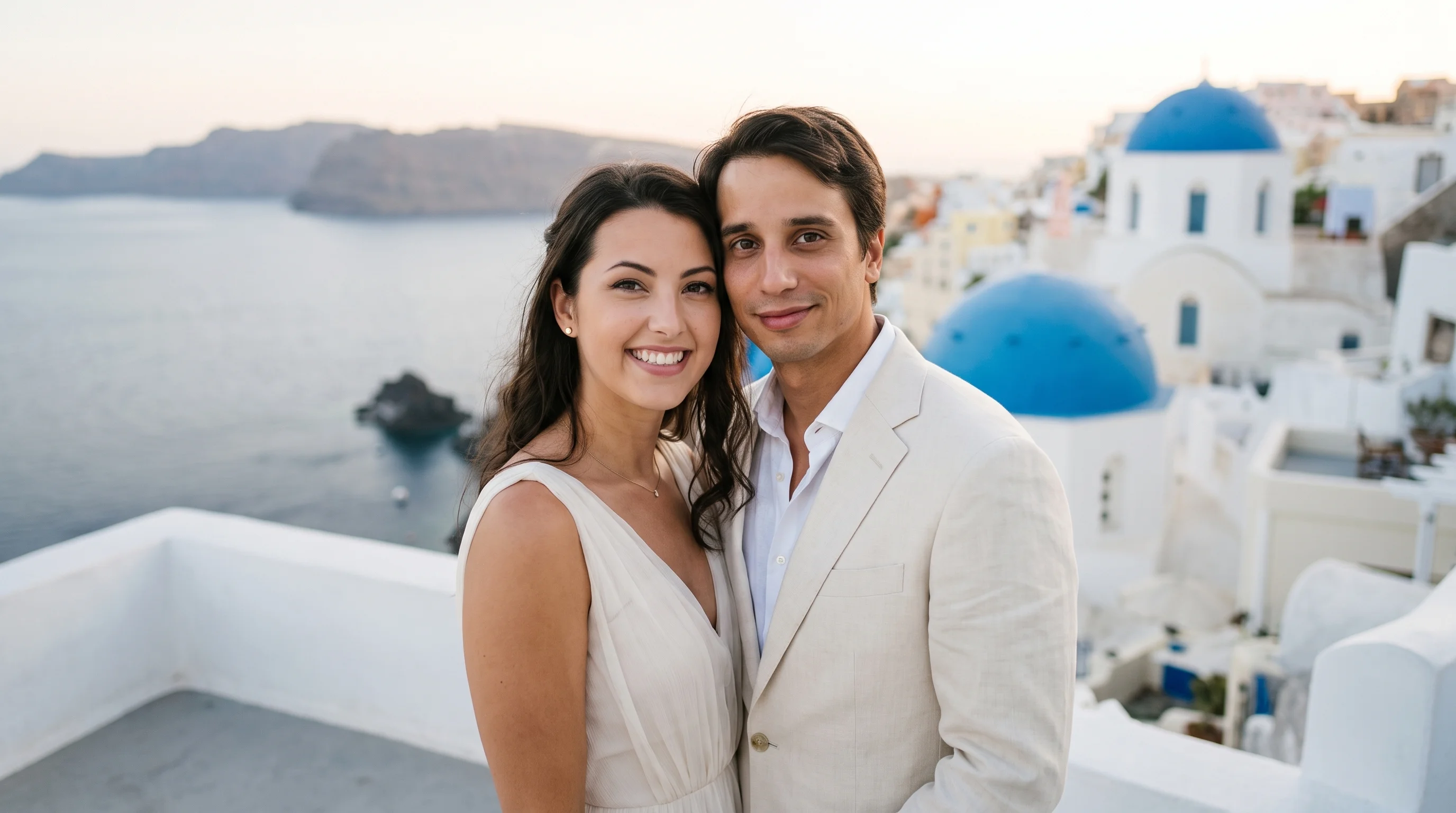
A mood that feels like yours
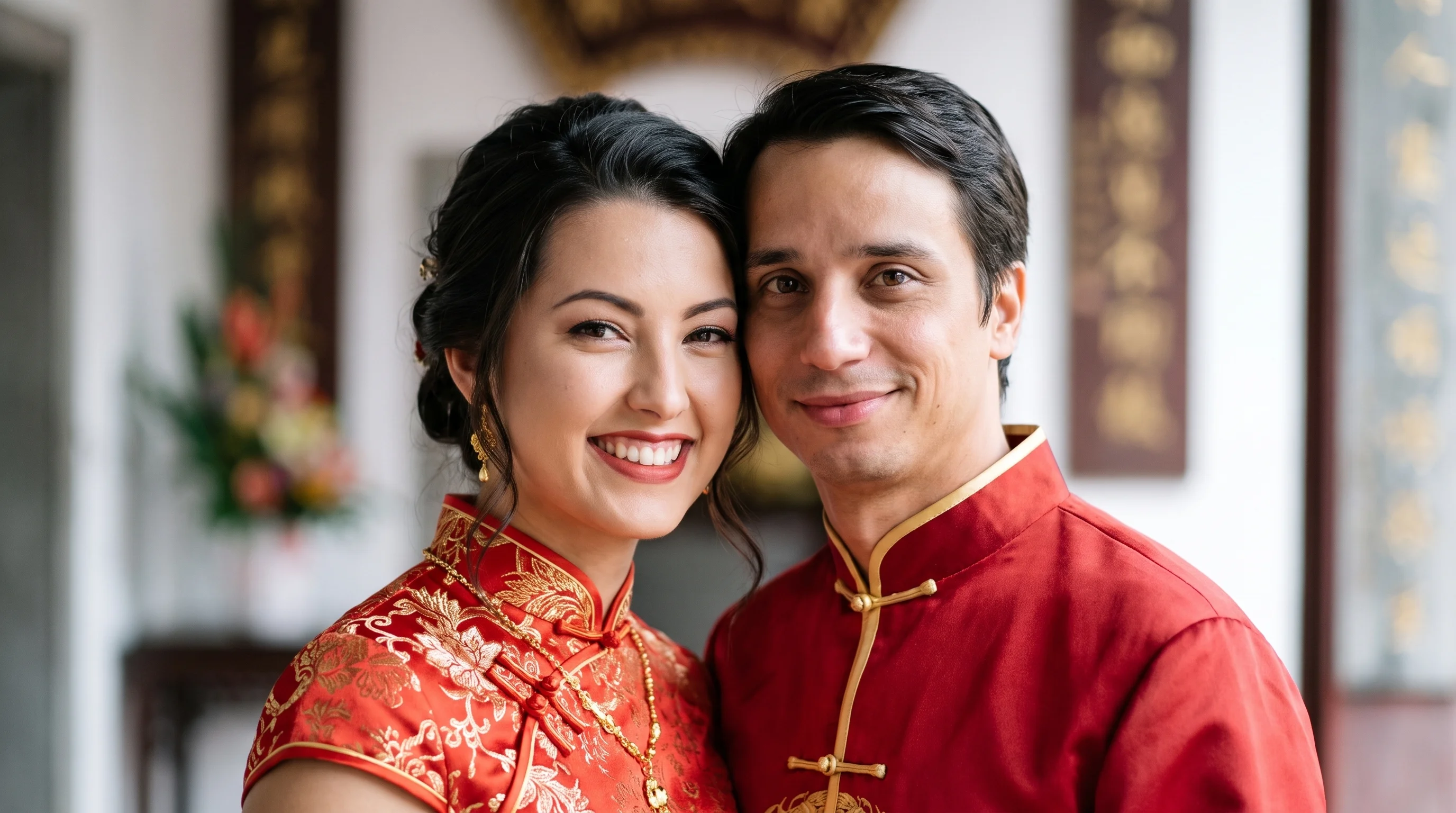
Explore destination, editorial, film, and traditional styling to build a visual story around your celebration.
Start now12 wedding photo styles for your story
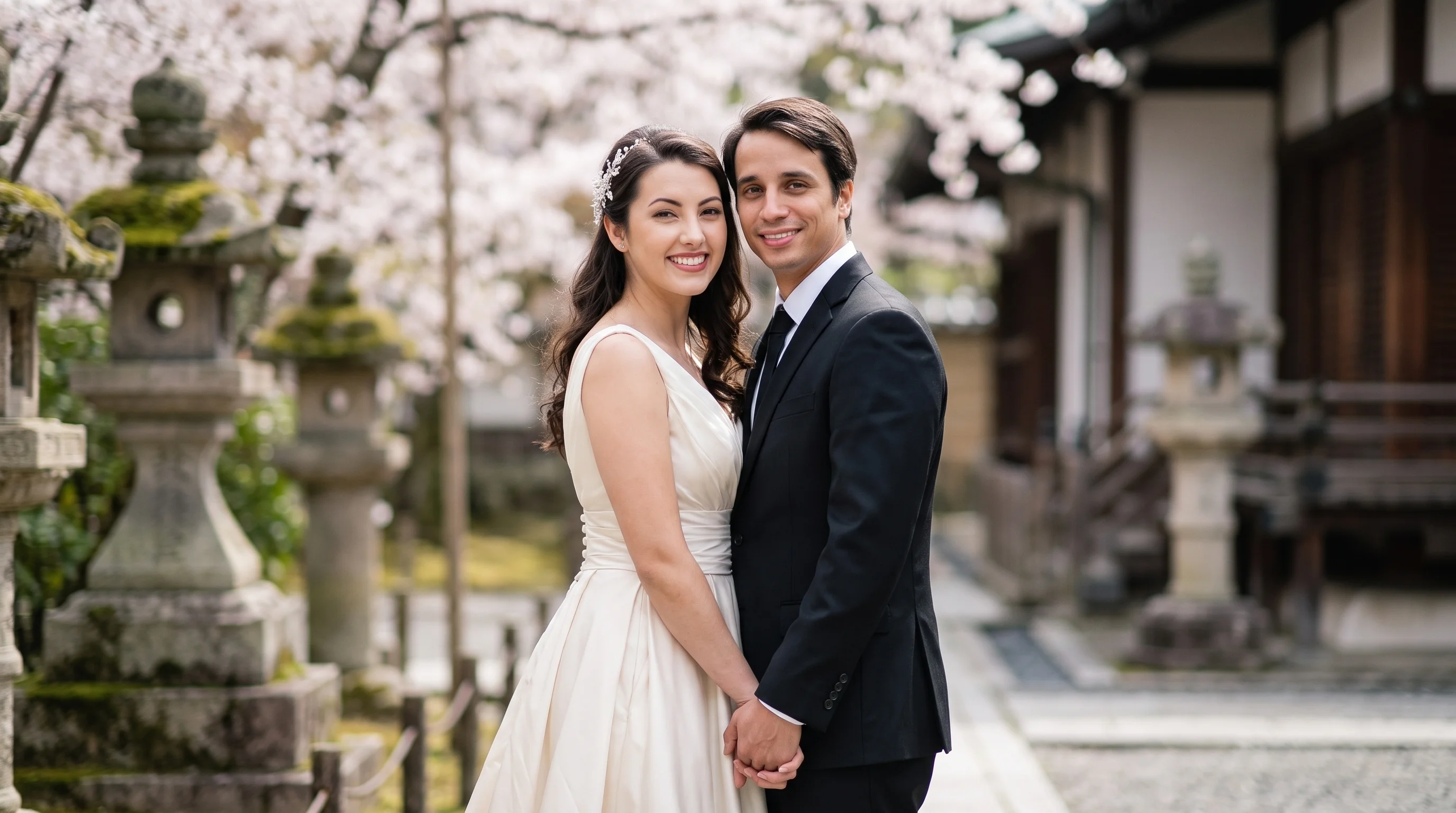
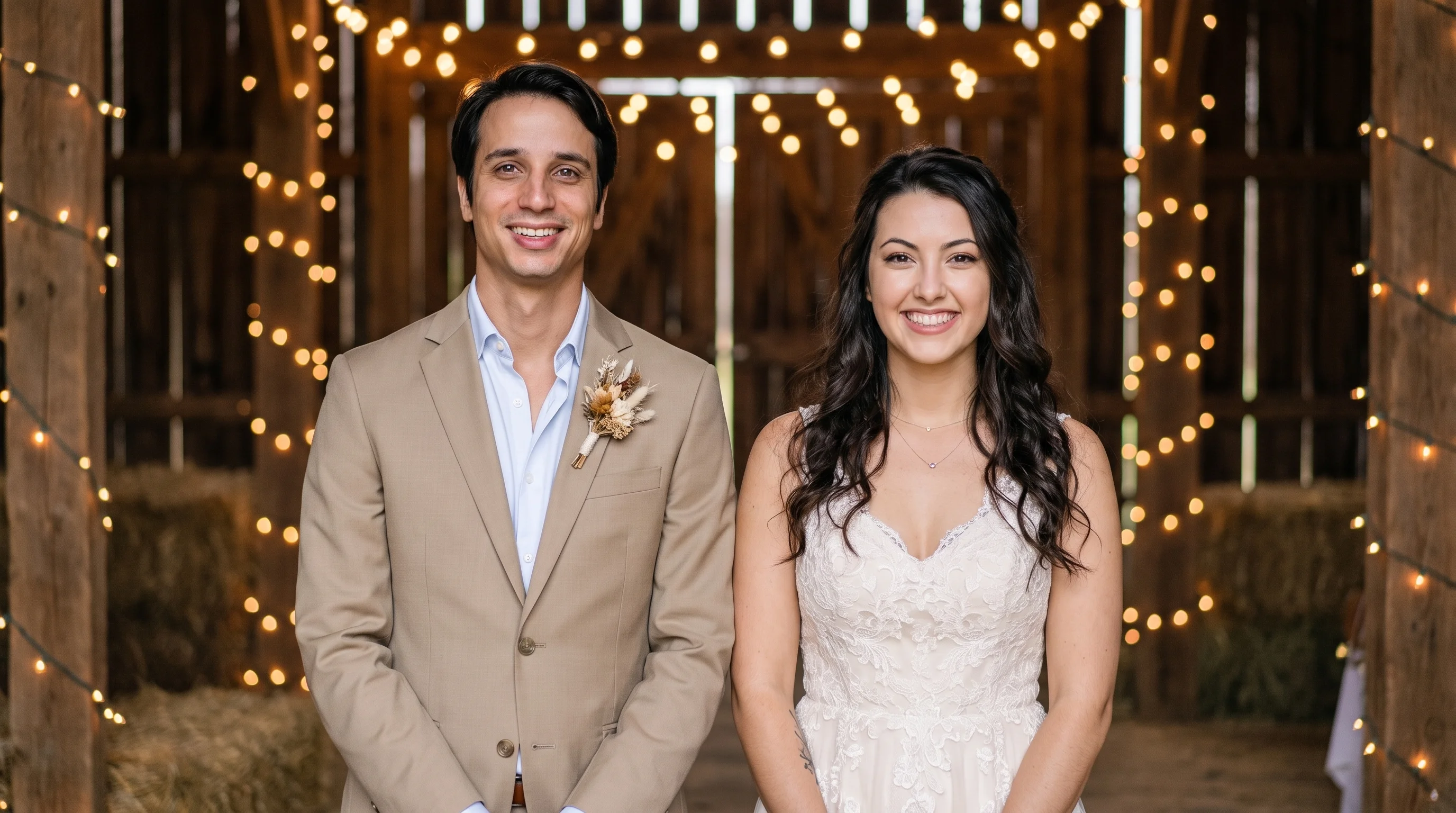
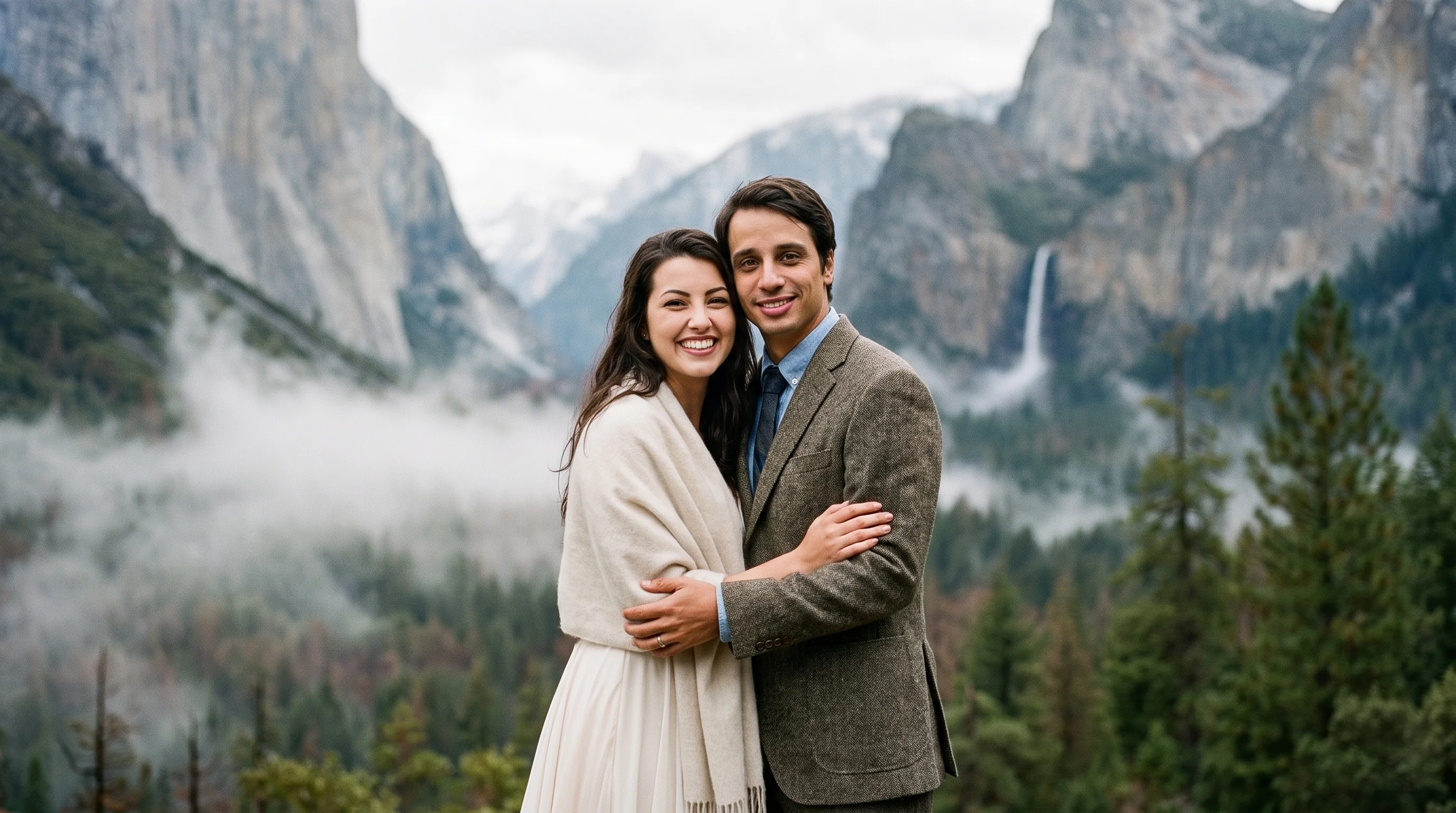
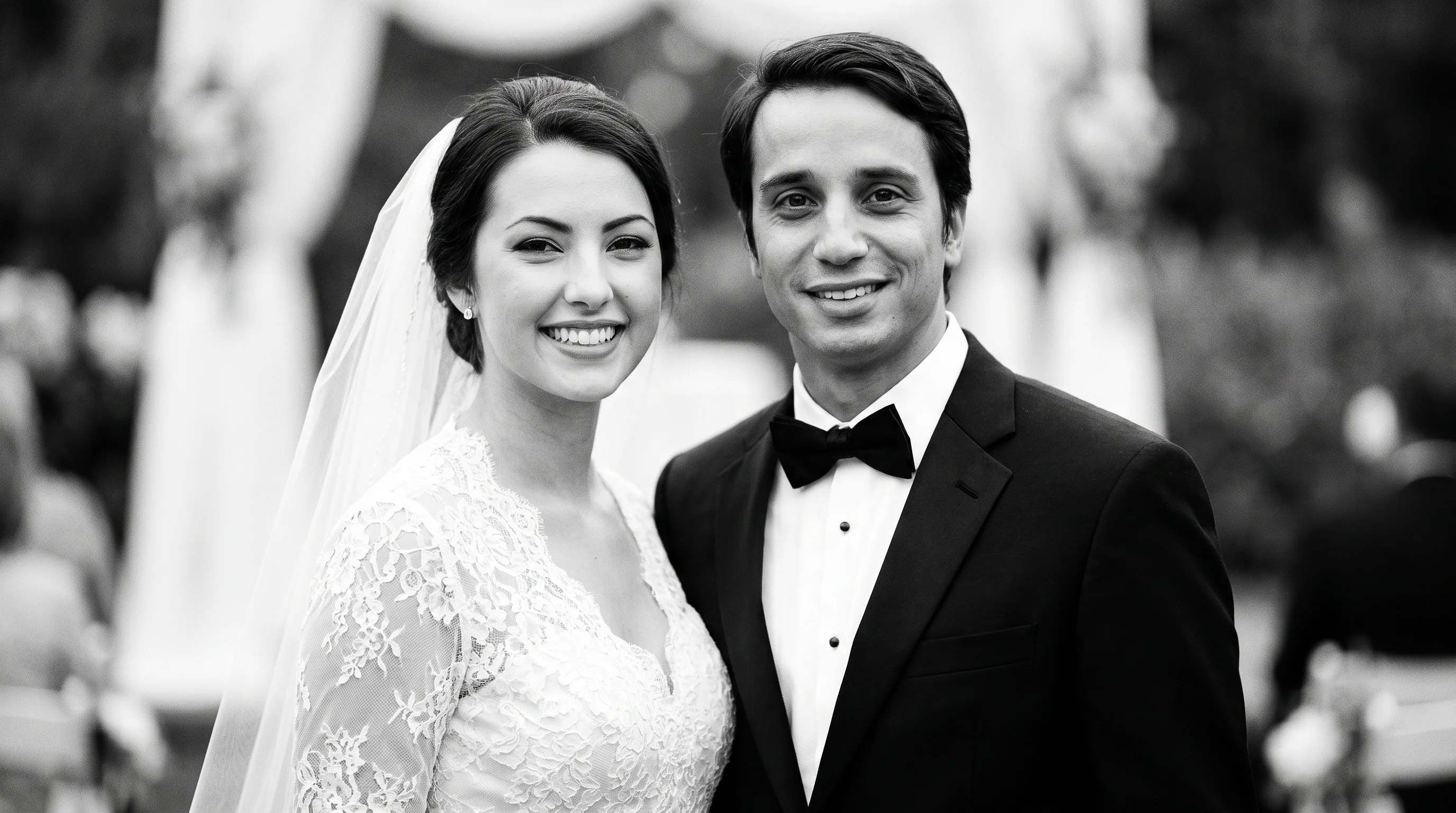
Six AI portraits from the same reference couple — church, garden, beach, Korean studio, city night, and Chinese traditional.
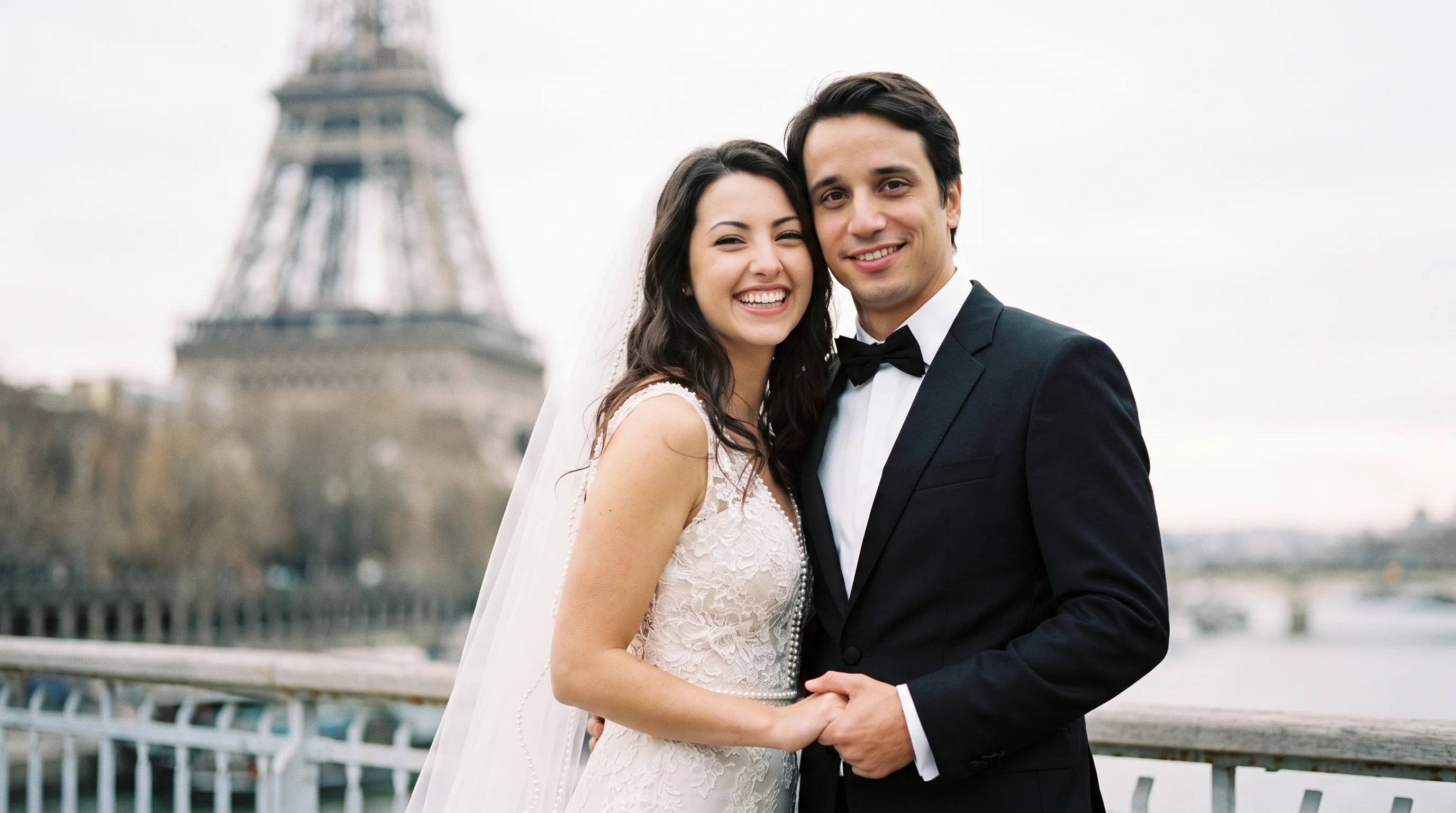
Simple one-time wedding photo packages
Start with 2 free watermarked previews, then pay once: Essential $39.90, Signature $79.90, Luxury $149.90, or photo + video bundles at $49.90 and $109.90.
Essential Photos
$39.90
- 40 photos
- 3 styles
- 1 style-batch redos
- 2K downloads
Most popular
Signature Photos
$79.90
- 100 photos
- 8 styles
- 3 style-batch redos
- 4K downloads on demand
- 10 retouches
Luxury Album
$149.90
- 200 photos
- 12 styles
- 20 style-batch redos
- 4K downloads on demand
- 20 retouches
Custom scenes · printable PDF album · Save the Date template
Redos for 30 days, fair-use limit of 20 style batches by default.Choose packageEssential Photos + Video
$49.90
- 40 photos
- 3 styles
- 1 style-batch redos
- 2K downloads
Includes a paid wedding video. No second payment.
Choose packageSignature Photos + Video
$109.90
- 100 photos
- 8 styles
- 3 style-batch redos
- 4K downloads on demand
- 10 retouches
Includes a paid wedding video. No second payment.
Choose packageStart with the two of you
Your gallery is private to your account. Sign in before uploading.
Sign in to create your photosAI wedding photo generator FAQs
What is an AI wedding photo generator?
An AI wedding photo generator creates wedding-themed portraits from one reference photo of each partner, then places the couple together in a selected visual style. It is useful for exploring a ceremony look, building a save-the-date, preparing a wedding website, or creating social content before a traditional engagement session. The system interprets the reference images, clothing, pose, lighting, and scene direction to produce a new composition rather than simply copying the original selfie. Results are AI-generated, so likeness, hands, jewelry, fabric, and background details can vary. Treat each image as creative production material, inspect it before sharing, and use a redo when the direction is close but a detail needs another attempt.
Can I try it for free?
Yes. Sign in to create 2 free watermarked previews with no credit card. The previews let you test the visual direction, compare a wedding style with your expectations, and decide whether the output is useful before buying a package. One preview allowance applies per account and device, with network limits for abuse prevention. The free previews are for evaluation and carry a watermark; paid packages are the route to a complete gallery and downloadable portraits. Before starting, have one clear photo of each partner ready so the preview reflects the real use case rather than a sample couple.
What selfies work best?
Use two separate, sharp, front-facing selfies with even lighting and unobstructed faces. A neutral expression or a natural smile, a clean background, and a camera held at eye level usually give the model more useful facial information. Avoid group photos, sunglasses, hats that cover the face, heavy filters, extreme angles, motion blur, and strong shadows. Do not combine several people in one reference image when the goal is a two-person portrait. JPG, PNG, or WebP files up to 10 MB are supported, and larger source dimensions generally give the system more detail to interpret. Choose images you have permission to upload, and do not crop away important facial features.
Can I redo my wedding photos?
Yes. A redo creates another style batch when the first result is close but the lighting, pose, wardrobe, setting, or likeness is not the direction you want. Essential includes 1 redo, Signature includes 3, and Luxury includes redos for 30 days with a default fair-use limit of 20 style batches. A redo is not a guarantee that every facial feature will be corrected, because each generation is a new AI composition. For better iteration, keep the same strong reference photos, change one style decision at a time, and compare the result at full size before choosing a favorite. Use retouches for smaller skin, lighting, or color adjustments when your package includes them.
What is the difference between 2K and 4K?
2K suits digital sharing, messaging, wedding websites, social posts, and standard prints. Signature and Luxury also offer 4K downloads for sharper large prints, albums, posters, and close viewing. Choose 2K when speed and everyday online use matter most; choose 4K when you expect to crop, print at a larger size, or keep a higher-resolution archive. Resolution cannot repair an inaccurate pose or an unwanted generated detail, so inspect the composition first and upscale only the portraits you actually plan to use. Keep the original downloaded files safe and make a backup before sending them to a printer.
Can I bundle wedding photos and video?
Yes. Photo + video bundles are $49.90 for Essential and $109.90 for Signature. The included paid wedding video is covered by the bundle, so there is no second payment for that included video. After your portraits finish, select the images you want to feature, add the couple names, wedding date, venue, and other details, then create the video from the gallery. This makes it easier to keep the same visual mood across a save-the-date portrait, an invitation video, and social announcements. Video-only products have separate pricing, so review the selected package and checkout summary before paying.
Are retouches included?
Signature includes 10 retouches and Luxury includes 20 for subtle skin, lighting, and color adjustments. Retouching is intended for finishing work after you select a portrait: balancing a distracting tone, softening a small visual issue, or making the overall color feel more consistent. It is not a replacement for a new scene or a guarantee that an AI-generated hand, garment, or facial detail will be rebuilt perfectly. Start with the cleanest generation, use retouches for minor polish, and keep a comparison between the original and adjusted versions. Essential does not include the Signature or Luxury retouch allowance.
Does Luxury include an album or PDF?
Luxury includes album view, a printable PDF album workflow, custom styles, and Save the Date templates. After selecting your favorite portraits, open the album and use your browser's Save as PDF or Print option. Enable background graphics when your browser offers that setting so the layout and colors are preserved. The browser-generated PDF is a practical file for sharing with family or preparing a print order; always review page breaks, image cropping, and text before sending it to a printer. Luxury also supports custom scene direction, so you can describe the setting, lighting, or wardrobe you imagine while keeping the final selection grounded in the reference photos.
A practical guide to AI wedding photos
An AI wedding photo generator is useful when you want a set of wedding portraits before a full engagement shoot, when travel makes a studio session difficult, or when you need consistent visual material for a save-the-date, wedding website, invitation video, or social announcement. Wedding AI starts with one clear selfie of each partner and creates portraits in selected wedding styles. The result is a creative starting point, not a documentary photograph and not a promise that every face will look identical to the reference. Couples can use it to test visual ideas early, discuss clothing and scenery, and make a more informed decision about the mood they want for their celebration. It can also help when a venue, season, or destination is difficult to visit before the wedding. A generated portrait should complement real photography and personal planning, not be presented as evidence that a real ceremony or location has already been photographed.
Choose a style based on the job. Classic studio and traditional looks can suit formal announcements; garden, beach, destination, city, and cinematic options can support a location or mood; cultural and editorial styles can help your images feel connected to the celebration. Soft pastel and golden-hour directions can feel gentle and warm, while black-tie, modern minimal, and vintage film choices can make an announcement more structured or nostalgic. Review several watermarked previews before paying, compare the lighting and clothing with your expectations, and keep the style that feels believable for your story. Think about where the image will appear: a mobile social post needs a clear focal point, an invitation may need calm space for text, and a printed album benefits from a composition that still looks balanced when cropped. The same couple can look different across styles because backgrounds, poses, wardrobe, and generated details change. Selecting a consistent family of styles is often more useful than chasing a different effect for every image.
Good inputs improve the odds of a useful result. Upload separate, sharp, front-facing selfies with even light and unobstructed faces. Group photos, sunglasses, strong filters, extreme angles, and deep shadows make likeness harder to preserve. AI can introduce small differences in facial features, hands, jewelry, fabric, or background details, so proofread and inspect every portrait before printing or publishing. Zoom in on hands, eyes, teeth, hair edges, rings, buttons, and any lettering; these details can matter in a wedding image even when the overall composition looks convincing. A redo can help, but it cannot guarantee a perfect correction. Keep realistic expectations about identity, body position, and exact garment construction, and avoid using a generated image when a precise documentary record is required. If a portrait is important, create alternatives, compare them at the intended output size, and retain only the versions that meet your quality standard.
Wedding photographs are personal. Only upload images you have permission to use, and avoid treating another person's likeness as a free asset. Ask before uploading a partner's, family member's, or child's photo when that person has not provided it directly. Your gallery is tied to your account; review the privacy policy and terms before creating images, especially when a portrait includes family members or children. Use a strong account password, sign out on shared devices, and download only to storage you trust. If a generated image is shared publicly, describe it honestly as AI-generated when context could otherwise mislead viewers. Do not use a generated portrait to impersonate someone, imply that an event happened when it did not, or create a false endorsement. Check commercial-use terms before using the files in paid advertising, merchandise, client work, or a business campaign; personal wedding announcements and commercial licensing are not automatically the same permission.
The simplest workflow is to upload, preview, compare, then decide. Start with the 2 free watermarked previews and no card, check the composition on a phone and desktop, and choose a one-time package only when the direction works. First gather two permitted reference photos, then decide what the image must do: announce an engagement, fill a wedding website, support an invitation video, or become a printed keepsake. Generate a style that fits that purpose, inspect the preview at the same crop you expect to publish, and note any detail that needs a redo. Essential is $39.90, Signature is $79.90, and Luxury is $149.90. Photo + video bundles are $49.90 and $109.90; video-only products have separate pricing. Essential includes a smaller set and one redo, Signature adds more output, 4K downloads, and retouches, while Luxury adds the broadest redo window, custom scenes, album workflow, and Save the Date materials. These prices and package details are current Wedding AI prices and may change, so review checkout before purchase. After payment, save your best 2K or 4K files, keep a backup, and proofread every public-facing image before sending it to guests or a printer.