Hair direction
Compare possible updos, waves, braids, or other styling references.
Planned concept · not liveComing soon · waitlist only
Explore the bridal hair, makeup, veil, and accessory directions you may want to discuss with your stylist. The tool is not live yet: there are no uploads or generated looks on this page today.
The live product is Wedding AI’s wedding invitation video maker.
Planned, not available yet
These are areas the future experience may help you explore. They are not current features or promises about the final release.
Compare possible updos, waves, braids, or other styling references.
Planned concept · not liveCollect a starting point for complexion, eye, and lip conversations.
Planned concept · not liveExplore how veil placement and volume might change the overall silhouette.
Planned concept · not liveKeep earrings, hair pieces, and other finishing details in the same discussion.
Planned concept · not livePlanned workflow
No upload or generation happens here today.
Start with a straightforward photo when the planned tool launches.
Describe the hair, makeup, veil, or accessory idea you want to explore.
Use references as a conversation starter for a professional trial.
Live today
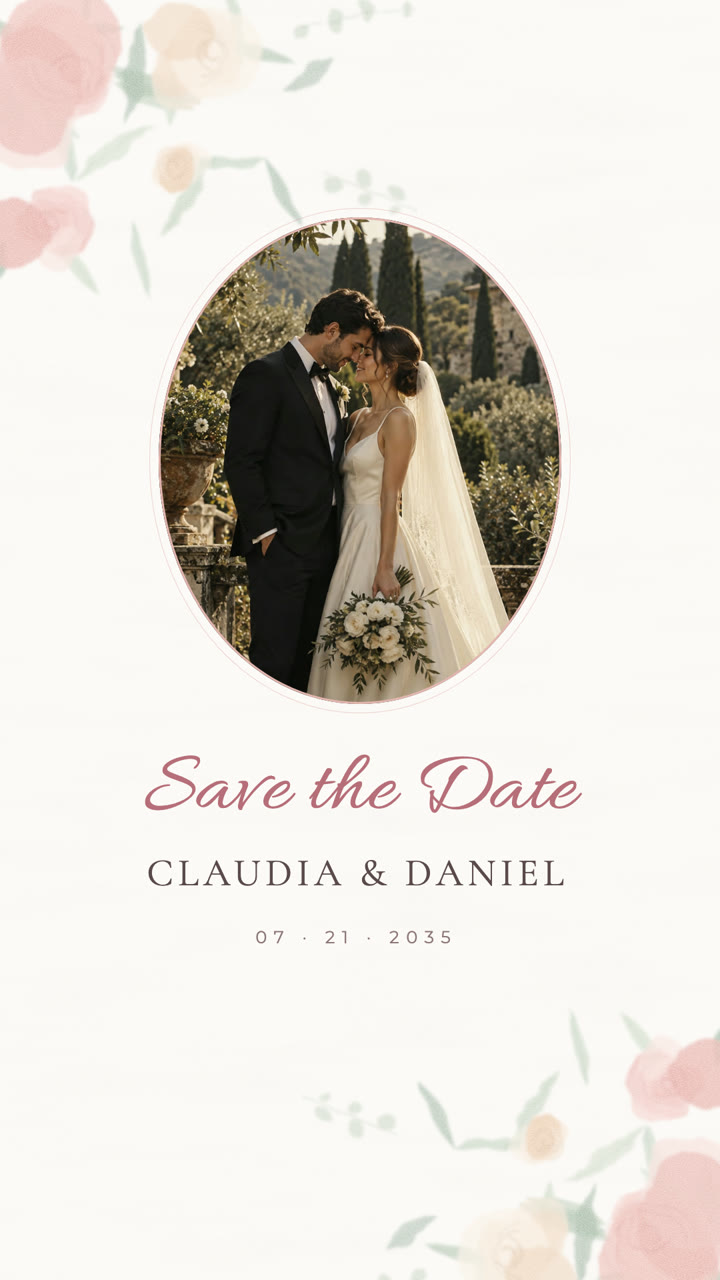
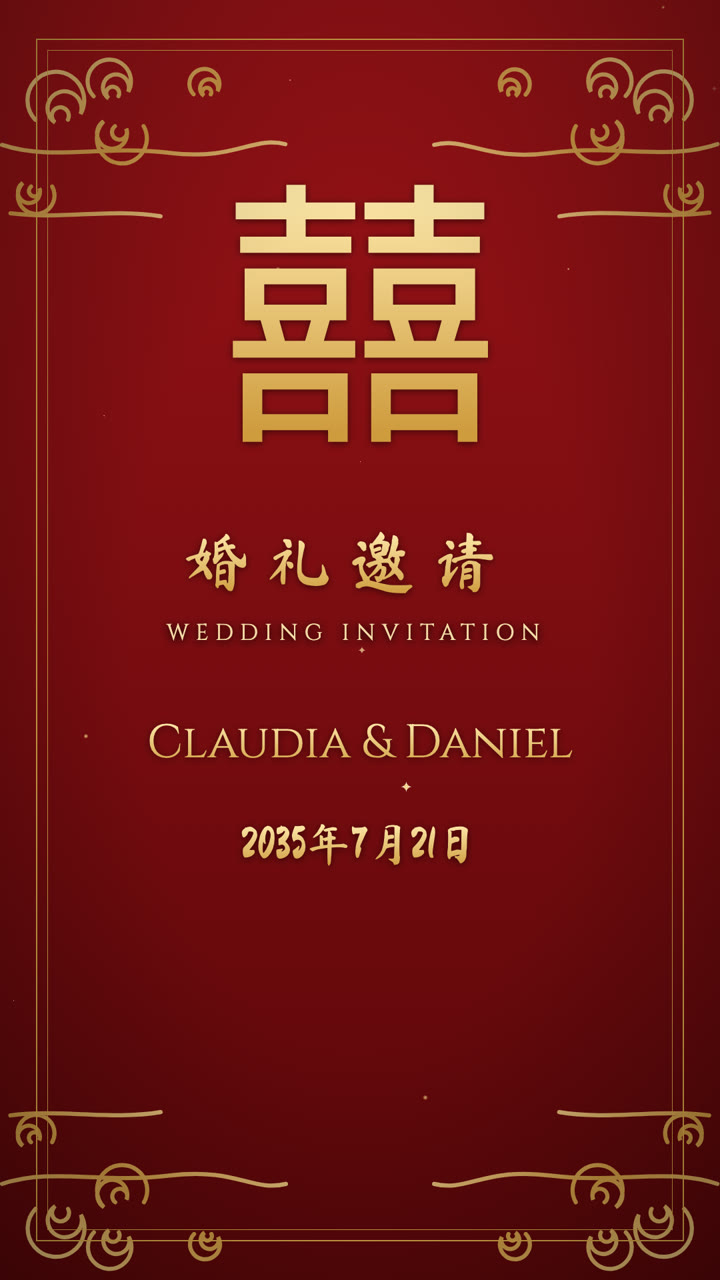
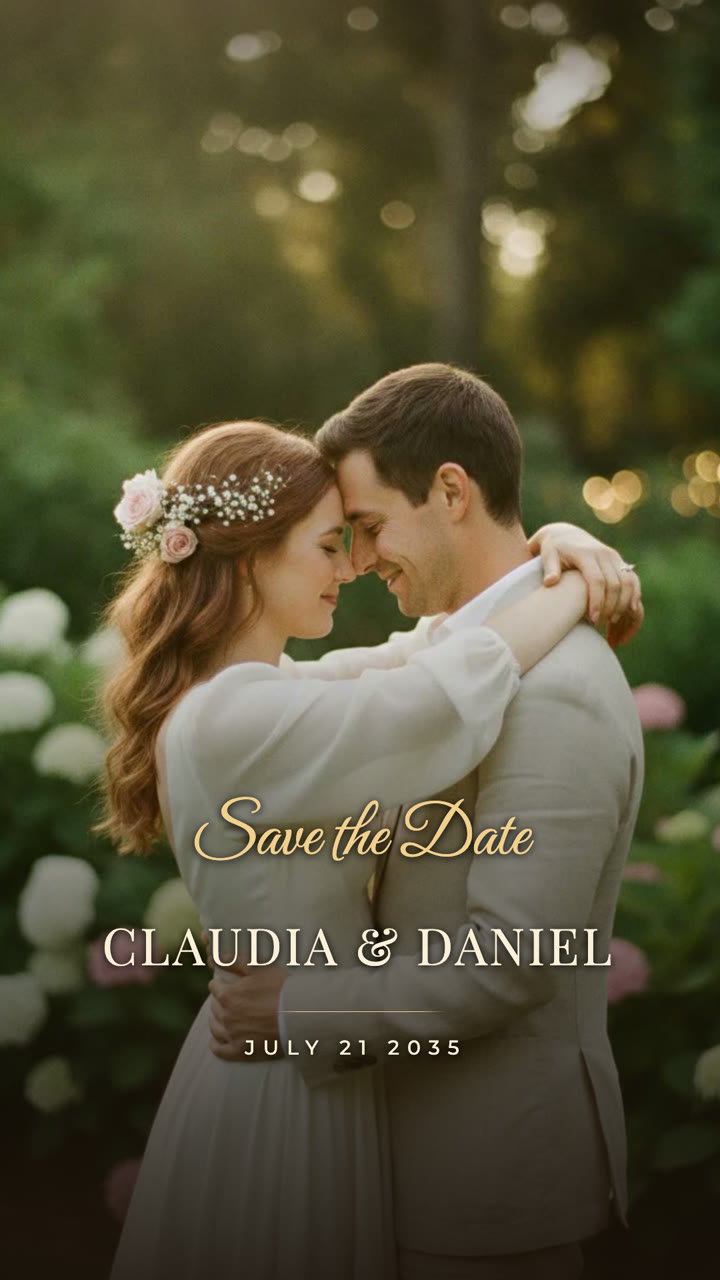
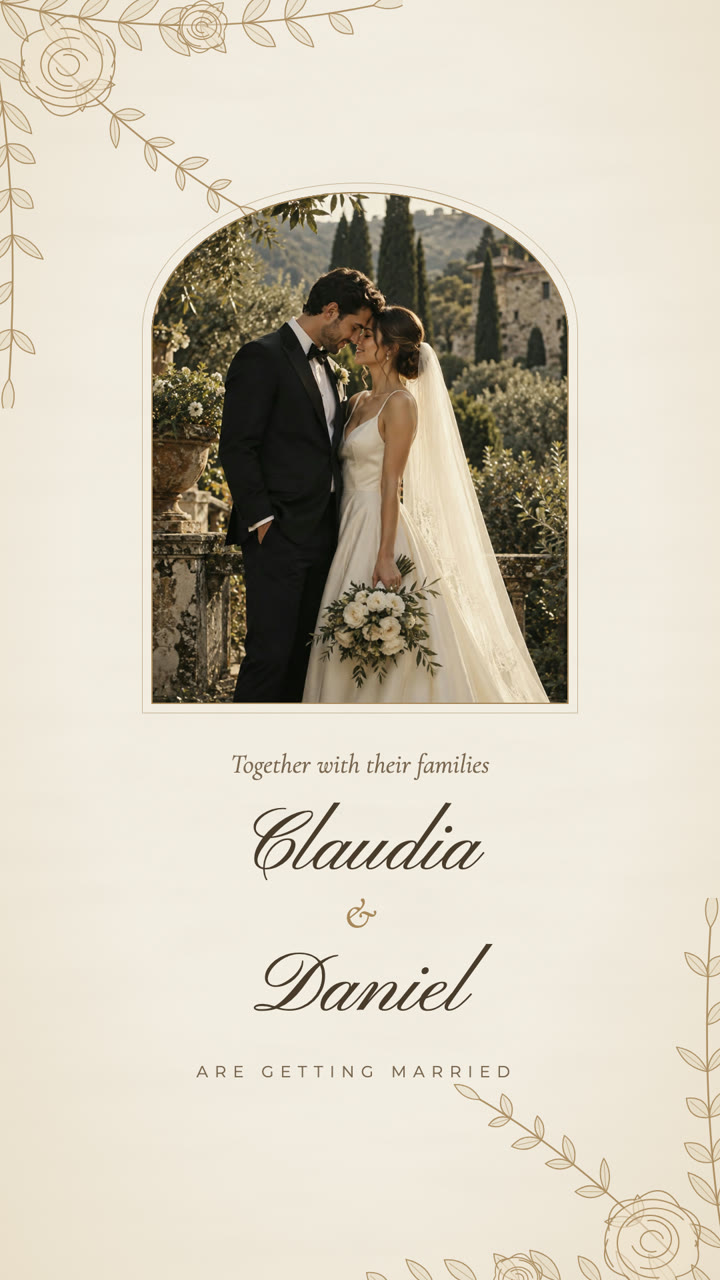
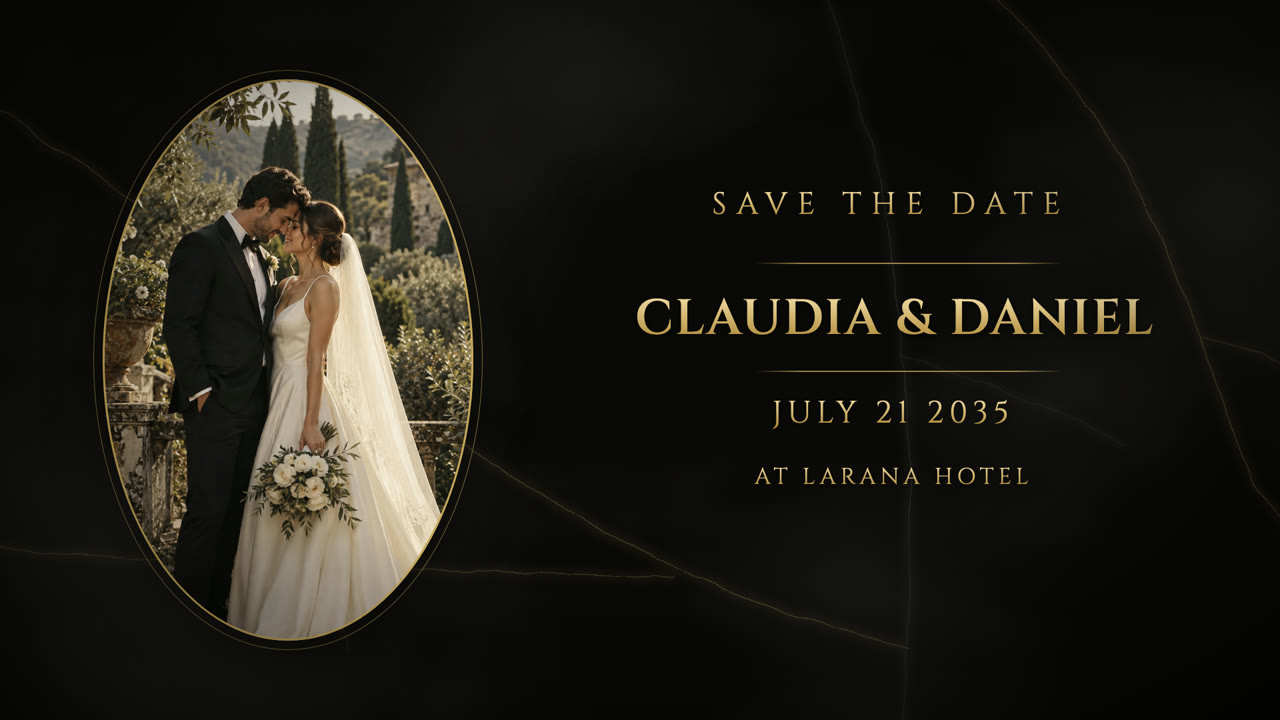
Upload your own bridal portraits into a Wedding AI invitation template now. These are real template output stills; they are not generated bridal looks.
Before a future upload
These are general preparation tips, not a guarantee of future AI output. A stylist’s advice remains the right source for fit, hair health, makeup, and wearability.
Bring references to the appointment
Straight answers
No. The bridal look generator is coming soon and is currently waitlist-only. This page does not accept photo uploads or generate bridal looks today.
Pricing for the planned bridal look tool has not been decided. For the live Wedding AI product, see the wedding invitation video pricing page for current one-time package details.
That is a goal for the planned experience, but we cannot promise how it will perform before the tool launches. A generated reference should complement, not replace, a professional hair or makeup trial.
Because the bridal look tool is not live, it does not collect photos through this page. We will publish the actual photo-handling details before launch.
Yes. The live wedding invitation video maker lets you upload your own photos into a published invitation template and preview the result before choosing an export.
Choose what is useful now