AI wedding video
AI Wedding Video Maker
Add your names, date, venue and photos and get a finished wedding video from a designed template. Watch the full watermarked preview free, then pay once for clean 1080p MP4 files in portrait and landscape.
Start free preview →Free watermarked preview · pay once from $19.90 only if you love it
Template-based vs. fully generative AI video
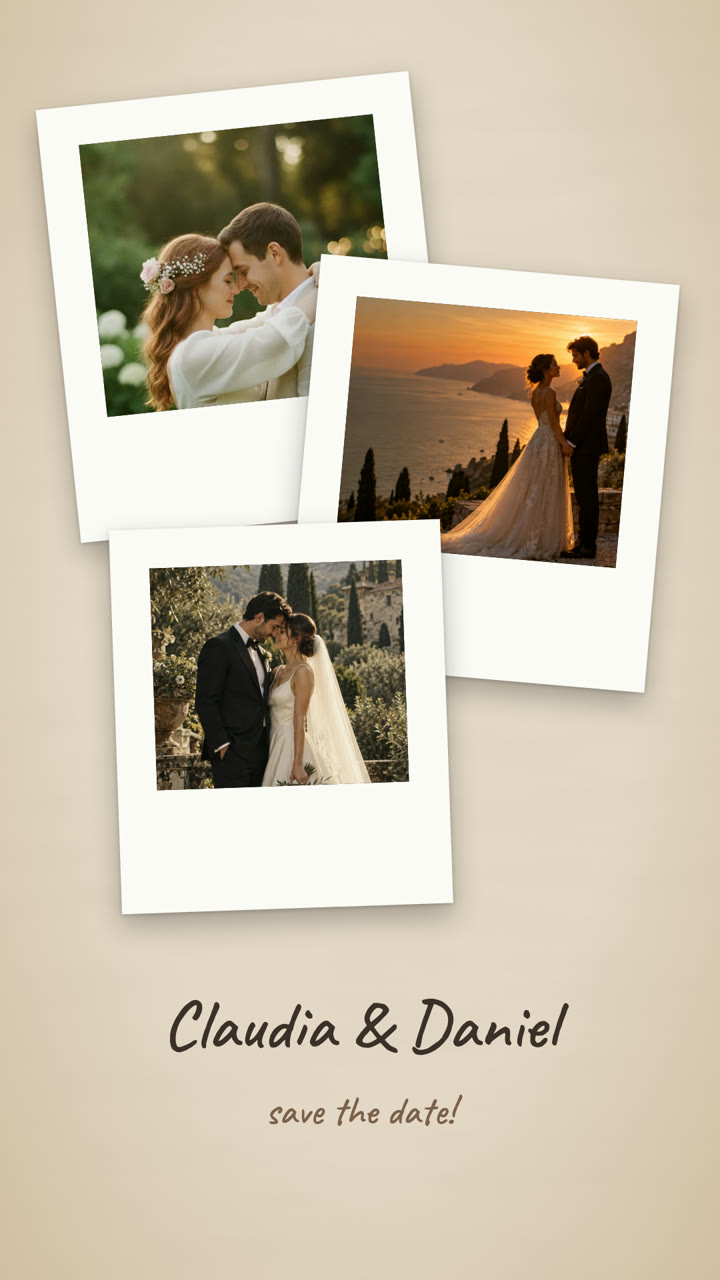
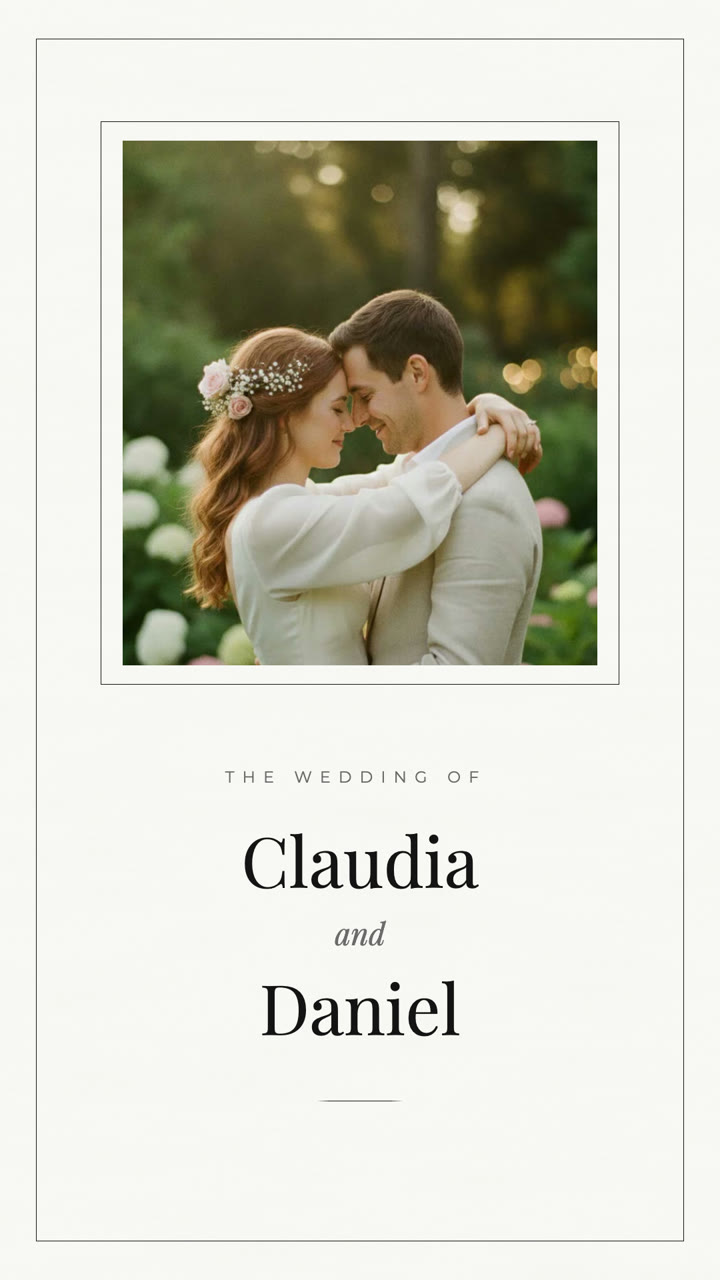
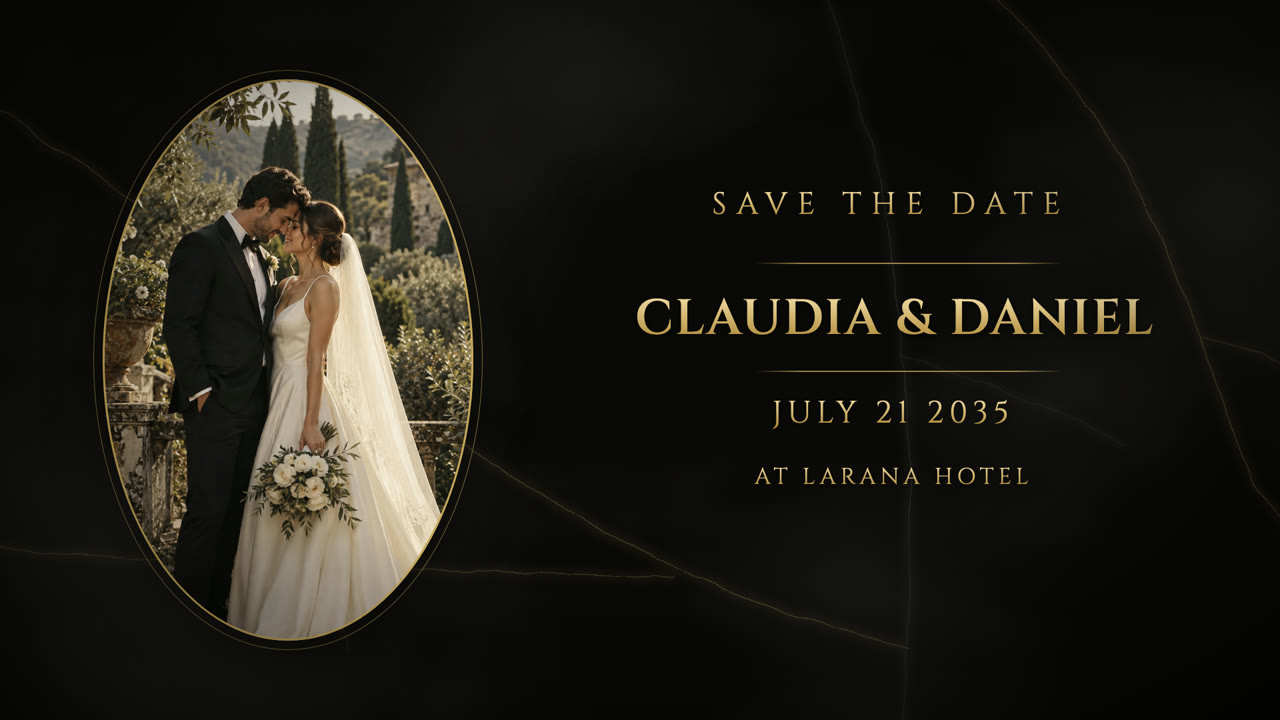
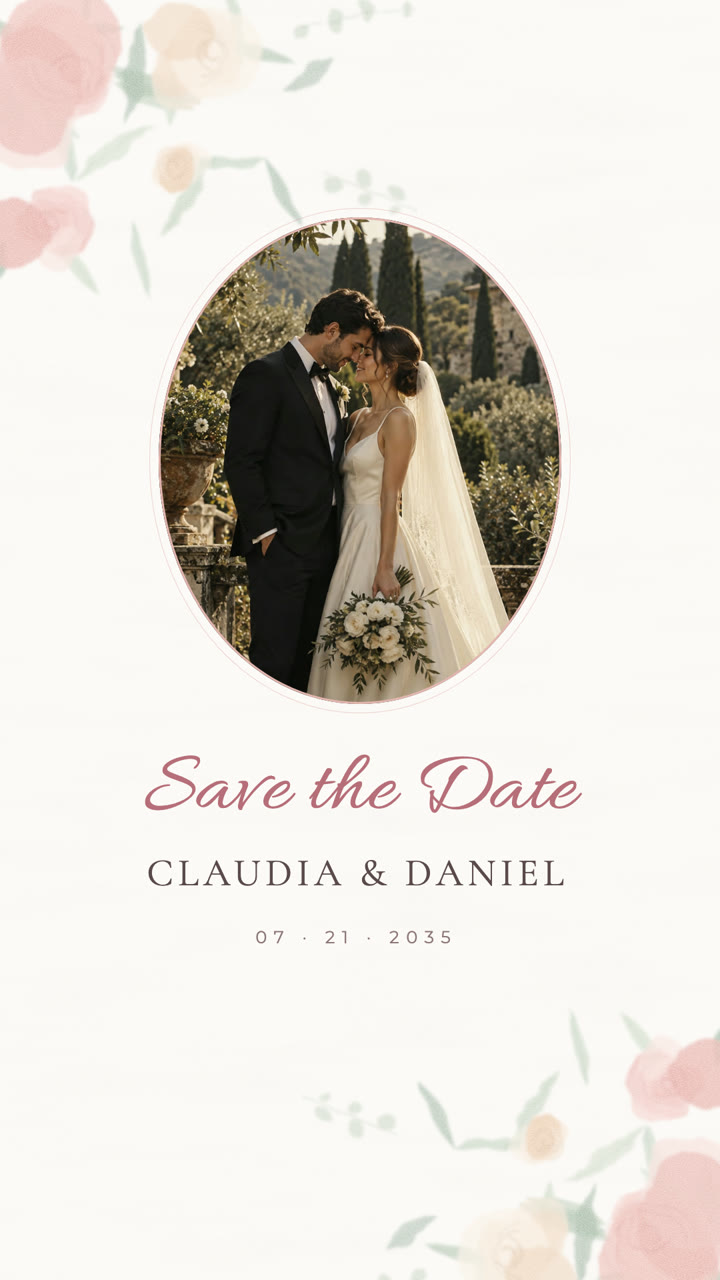
Wedding AI is template-based: the design and motion are authored, and your details and photos are placed into them. That is a deliberate choice for invitations, where a misspelled name or wrong date is the one thing that cannot happen.
| Wedding AI (template) | Fully generative AI video | Manual video editor | |
|---|---|---|---|
| Names and date | Typed text, rendered exactly | Often garbled or changed | Exact, if you type it |
| Result you can predict | Preview matches the download | Varies on every run | You control everything |
| Your own photos | Up to three, placed in the design | Faces and details may drift | Any number |
| Time to finish | A few minutes | Minutes, plus retries | Hours |
| Creative freedom | Limited to the template | Open-ended scenes | Unlimited |
Examples and sharing context
These real template outputs show the visual treatment and framing. Your photos, names, date and venue determine the content of your own invitation.
| Use case | Useful format | What to check |
|---|---|---|
| Phone sharing | 9:16 MP4 | Names and date readable |
| Email or desktop | 16:9 MP4 | Venue and schedule legible |
How it works
Choose a template
Browse the designed templates and pick the mood: watercolor, golden hour, film, minimal or marble.
Add your details
Enter names, date, venue and a short message, then add up to three photos.
Preview, then download
Watch the full watermarked preview free. Pay once to download clean HD MP4 files.
Why couples use this format
Your details are typed, not generated
Names, date and venue are set as real text by the template, so they come out spelled correctly instead of being redrawn by an image model.
Designed motion, predictable result
Each template has fixed scenes, timing and music, so the preview you approve is what you download.
Both formats included
Every paid export includes 9:16 for phones and social plus 16:9 for email, links and screens.
One-time pricing
Essential is $19.90 one-time for one successful export. Flexible includes three revisions. No subscription.
FAQ
Is this an AI wedding video generator?
It is template-based. You choose a designed template and the tool fills in your names, date, venue and photos. It does not invent new scenes from a text prompt, which keeps names and dates accurate.
Is the AI wedding video maker free?
The full watermarked preview is free. You pay once only to download clean HD MP4 files: Essential is $19.90 one-time.
What do I get when I pay?
Clean 1080p MP4 files in both 9:16 portrait and 16:9 landscape. The free preview stays watermarked.
Can I change my details after rendering?
The Flexible plan includes one initial render plus three revised renders, useful if a name, date or venue changes.
What if my video fails to render?
A failed render never counts against your purchase. Retry it for free from your order page, or email hello@weddingai.studio and we'll fix it.
Related: All video templates · Best wedding invitation video makers compared · Wedding invitation video maker